New This Sale!
Select a button to see that bundle details.






NOTE: Comes with everything here plus $1,500+ more in value!

Click on a product box to learn more.


What's Included?
- Lifetime Access
- English Captions
- High Quality Video & Audio
- Project Files
Learn Filmmaking From Beginner To PRO
Learn the fundamental basics of professional filmmaking as taught by in film schools. This complete guide teaches you all the technical and artists rules of videography to get started as a filmmaker.
What you'll learn:
- Set your camera to manual mode and understand all settings to take full creative control
- Make camera framings and compositions by the rules of filmmaking
- Understand the most common camera supports and how to use them properly (ie. the tripod)
- Advanced techniques about the art and visual storytelling of filmmaking
Course Information
Getting started with Filmmaking can be overwhelming. This course teaches the fundamental basics is a structured and engaging way, just like expensive film schools would do.
Together we start with the basics and learn about the technical aspects of your camera. Next we tackle the rules of filmmaking such as compositions and visual storytelling.
In the last lessons of this course you’ll learn about the different camera supports like the tripod, gimbals and more.
What's Included?
- Lifetime Access
- English Captions
- High Quality Video & Audio
- Project Files
Video Editing With Adobe Premiere Pro For Beginners (2024)
Learn professional video editing with Adobe Premiere Pro. A beginners course to get you started with basic editing techniques, text & graphics, audio enhancing, transitions, video effects and so much more!
What you'll learn:
- Organizing and starting a Premiere Pro project
- Perform basic edits, arranging clips and working in multiple layers
- Perform advanced edits using the toolbox, masks and blending techniques
- Applying and adjusting video/audio effects
- Create custom graphics and texts
- Making custom templates and using third party templates
- Create custom animations and understand its mechanics
- Mixing audio from speech, music and sound effects
- Exporting a video with the proper settings
Course Information
Learn how to get started with Adobe Premiere Pro in this interactive and hands-on course. Updated for the 2024, it covers the latest features and tools.
By the end of this course you will understand the user interface and perform a professional video editing workflow. You can create and animate graphics and text, enhance audio and mix music, color correct video clips and more.
Don't feel overwhelmed, but get comfortable with Adobe Premiere Pro instead!
What's Included?
- Lifetime Access
- English Captions
- High Quality Video & Audio
- Project Files
Video Editing With Adobe Premiere Pro For Advanced Users
Take your video editing skills to the next level with most complete Adobe Premiere Pro class for advanced users. Learn advanced editing techniques, 2D animations, audio enhancing and color corrections.
What you'll learn:
- Video editing workflow techniques and advanced settings
- Create custom presets, templates and transitions
- Fixing and enhancing audio
- Mask videos, stabilize footage and time-remapping
- Color correct and grade your videos
- Create captions and subtitles
Course Information
After the amazing success of our Premiere Pro class for beginners, we decided to create a follow-up. Thoroughly produced with a fun and engaging learning experience in mind.
By the end of the class you’ll have a complete understanding of every editing tool of Adobe Premiere Pro. This eliminates technical challenges, so that you can focus on the creative side of editing.
This course is for any video editor who knows the basics of Adobe Premiere Pro and like to take their skills to the next level. Or if you have watched our Beginners class, you can transition into this Advanced class.
What's Included?
- Lifetime Access
- English Captions
- High Quality Video & Audio
- Project Files
Premiere Pro Lumetri: Color Correct & Color Grade Like A Pro
Start learning Color Correction and Color Grading in this complete beginners class. This class does not cover boring theory lessons. As of the first lesson we dive straight into practical examples and real situations.
What you'll learn:
- Lumetri controls and how they work
- Using the Scopes in function of a Color Correction
- Performing advanced Color Correction tasks
- Fixing bad Footage
- Matching Levels and Colors of different clips
- Creating a Cinematic Look
- A Color Correction and Grading Workflow
Course Information
Are you confused with the color correction tools and how they work? What is a good color grading? And how can I get that ‘Cinematic Look‘? Tons of questions that I’m super excited for to explain.
By the end of the class you’ll have a complete understanding of all the color correction tools within Adobe Premiere Pro’s Lumetri.
What's Included?
- Lifetime Access
- English Captions
- High Quality Video & Audio
- Project Files
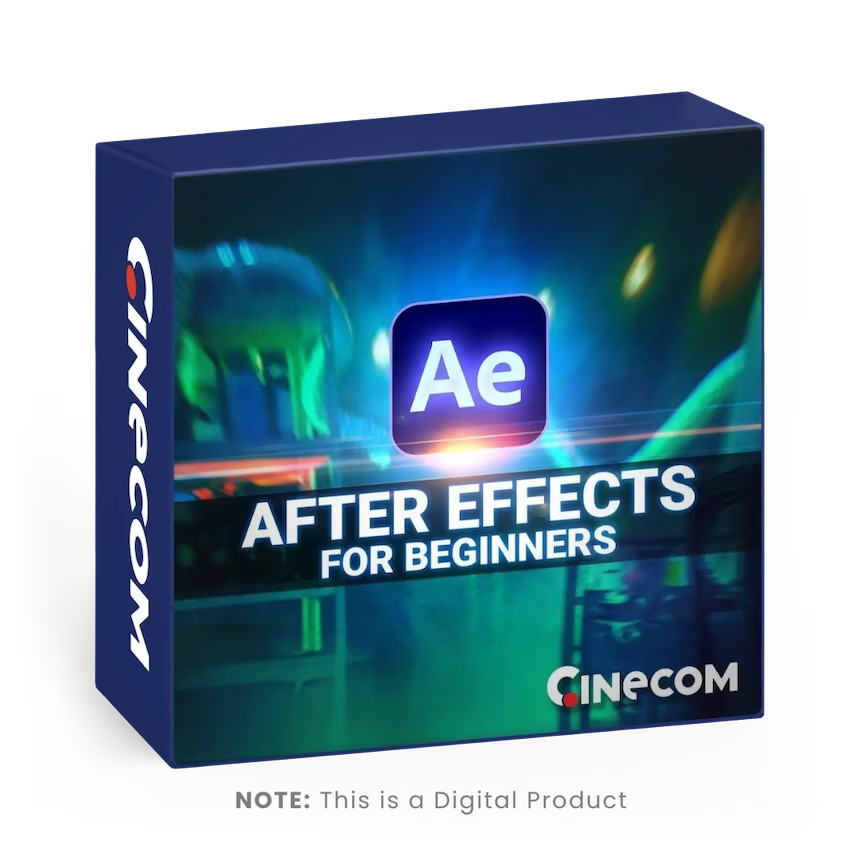
Learn Adobe After Effects For Beginners
Start learning the basics of Adobe After Effects in this complete introduction guide. This class does not cover boring technical stuff, but rather practical examples and real situations.
What you'll learn:
- The User Interface and functionalities of the most important panels
- Masking and compositing
- Blending and working with stock visuals
- Tracking (Mask, Motion and Camera)
- Creating Text and Shapes
- Animations and motion design
- Working with Generated Visual Effects
Course Information
Did you always want to make your own movie special effects or motion graphics animations? Then I’ll be super exited to introduce you into the wonderful world of Adobe After Effects!
By the end of the class, you’ll have a complete fundamental understanding of Adobe After Effects and will be able to create your own visual effects and motion graphics.
This course is for any enthusiast who’s already familiar with basic video editing and likes to learn how Visual Effects and Motion Design works. You don’t need any pre-knowledge of Adobe After Effects as this class begins from the start!
What's Included?
- Lifetime Access
- English Captions
- High Quality Video & Audio
- Project Files
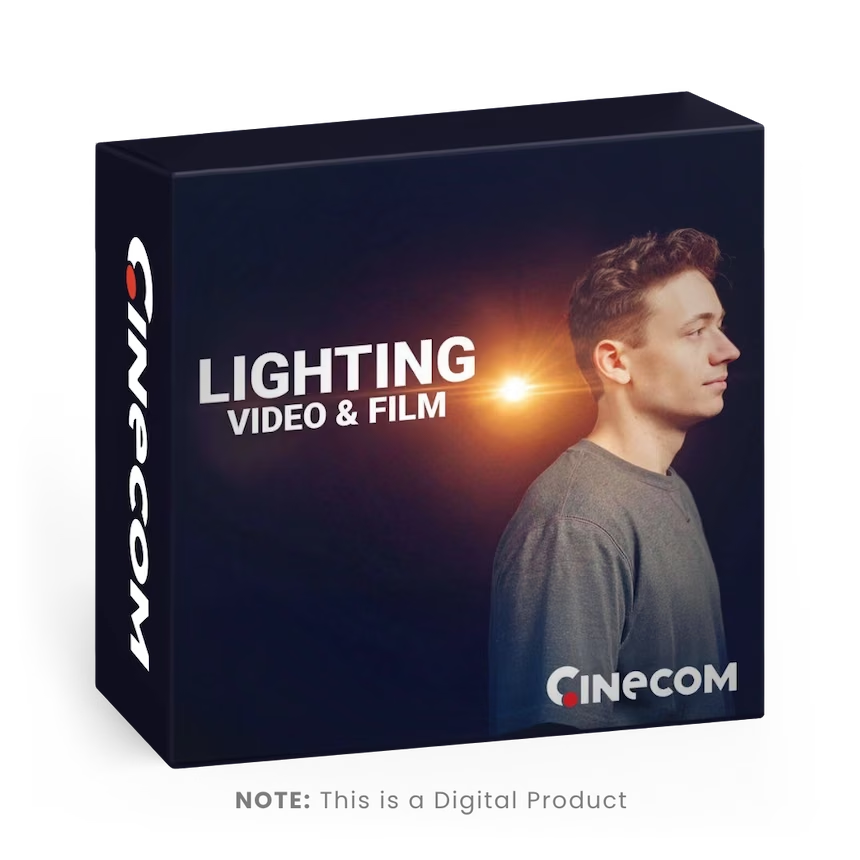
Introduction To Lighting For Video & Film
Learn how to create depth, cinematic shots and interesting scenes in this introduction to lighting for video class. With basic lighting tools and natural sources we’re showing various examples in our film-studio and at home.
What you'll learn:
- Why we use lights and where to place them
- How to work with practical lights
- The difference between colored lights
- Practical Examples
Course Information
You’ll learn the essence of lighting in video. An answer to the question; “how does lighting in video work?
After this class you’ll know where to place or position specific lights to create more depth and more interesting scenes.Lighting is a theory and can be applied to any situation. You don’t need professional lighting tools to follow this class. Using windows, decorative lights, sun light and more, we can apply the same principles.
What's Included?
- Lifetime Access
- English Captions
- High Quality Video & Audio
- Project Files
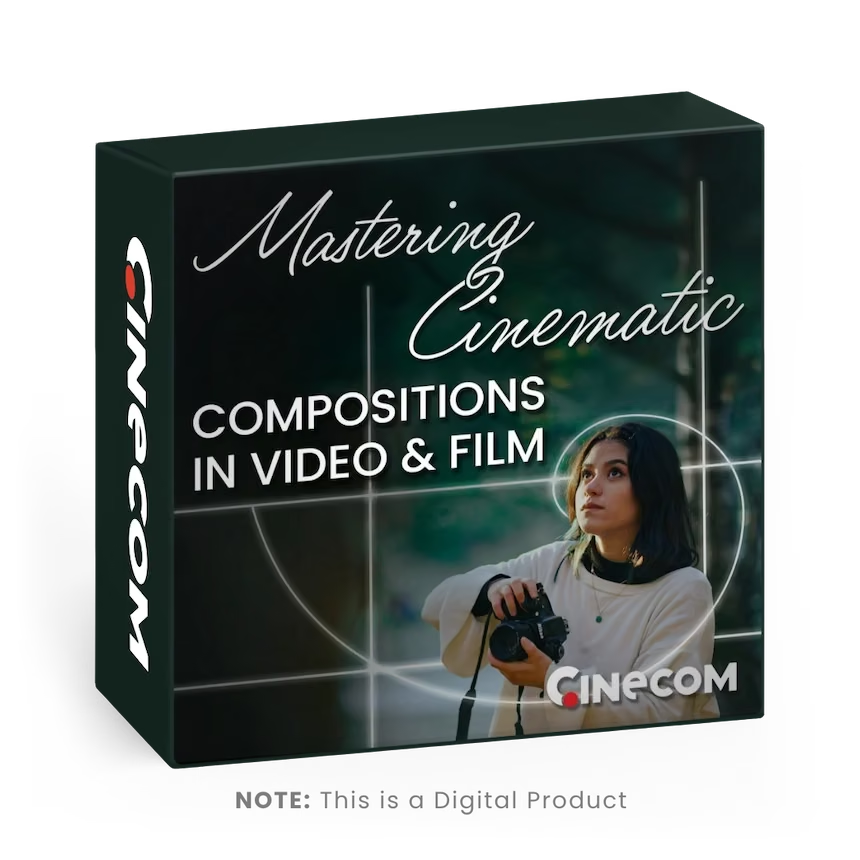
Mastering Cinematic Compositions In Video & Film
Take your videography skills to the next level and learn how to create cinematic compositions that tell a visual story. Learn how to balance your framing to a composition, create a dynamic flow and add a visual story.
What you'll learn:
- Learn about composition rules
- Make use of depth of field, colors, exposure, perspective and focal lengths
- Create dynamic shots with leading lines and point of interest
- Add flow to your videos through editing techniques and motion
- Tell a visual story by the kind of composition you make
Course Information
Take your videography skills to the next level and learn how to create cinematic compositions that tell a visual story. Learn how to balance your framing to a composition, create a dynamic flow and add a visual story.
By the end of the class you’ll be able to make use of the Rule of Thirds and Golden Ratio. As well as expressing your story through a visual set up using various techniques like leading lines, colors, point of interest and more.
This class is for those who are already familiar with the basics of videography, but struggle to get to that next level. Whether you’re a professional or an enthusiast, this class is perfect to learn a new insight in filmmaking. The class is designed to learn many new techniques in a short time.
What's Included?
- Lifetime Access
- English Captions
- High Quality Video & Audio
- Project Files
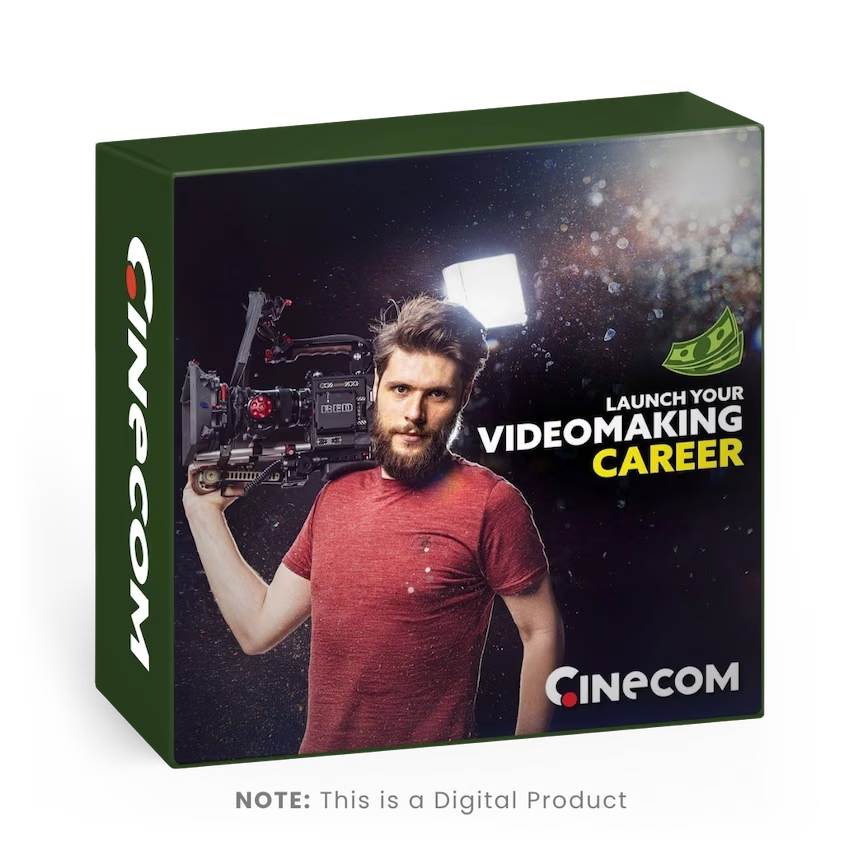
Start Your Professional Video Making Career
Turn your passion for video making into a full time career. Learn how to land your first client, negotiate and grow your video production business.
What you'll learn:
- Learn how to prepare yourself to deal with the commercial industry
- Get into the film industry and work your way up to the big productions
- Land your first client and build your video production business further
- How to make a living and earn money with making videos
Course Information
Presented by Jordy Vandeput, who grew his own 7-figure video production company. He starting from nothing and now he shares his experience and secrets about this incredible journey.
Follow this course to increase your chances on success to start your own video production company or pursue as a freelancer in the film-industry.
Learn how to find paid work with making videos and grow your own video production company.
This course is for those who want to start their own video production company AND those who want to get into the film industry as a freelancer.
Both have a different approach, but are explained in this course.
By the end of this course, you know exactly how to find paying clients and further grow your video production business.
Pack Details
- SLR Videos: 48
- Drone Videos: 51
- Resolution: 3840 x 2160
- SLR Frame Rate: 25 FPS
- Drone Frame Rate: 29.97 FPS
- Format: .MOGRT
Compatible With
- Adobe Premiere Pro
- Adobe After Effects
- DaVinci Resolve
- Final Cut Pro
- Many more!
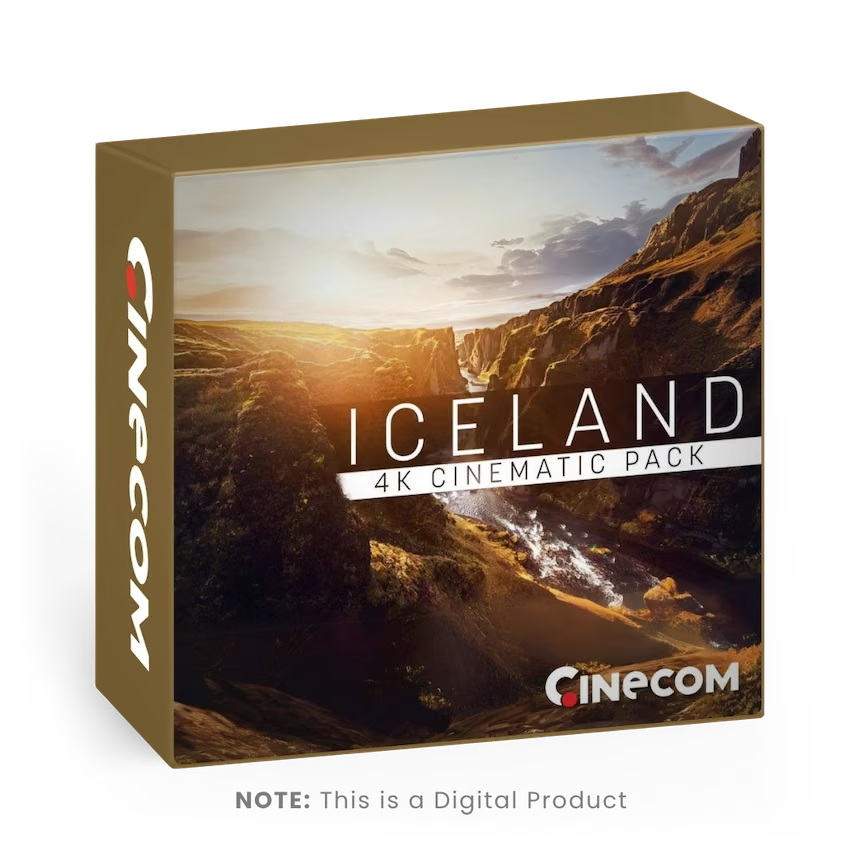
ICELAND: 4K Cinematic Stock Video Pack
A beautiful collection of high quality stock clips in 4K resolution of Iceland. This pack contains 99 video assets shot on SLR and drone in a LOG color profile.
The Iceland Cinematic Stock Video Pack features a curated collection of 99 video clip shot on both SLR and drone in a LOG color profile and at 4K resolution. This pack provides a unique visual experience of Iceland's natural beauty, showcasing its majestic landscapes, crystal clear waterfalls, glaciers, and geothermal pools, all captured from different angles and perspectives. The SLR footage is shot on Panasonic V-Log and the drone on DJI's D-LOG. The pack includes high-quality footage that is ideal for a wide range of projects, from travel documentaries to commercials, music videos, and more.
How To Use
The videos are MP4 files captured in the H.264 codec. This means that these can be imported into any video editor.All videos are shot in a LOG color profile. This gives the most flexibility for color grading. You can start off with a basic REC709 LUT that transforms the color to a natural contrast and saturation.
You can download the official Panasonic REC709 LUT for the SLR shots and the official DJI REC709 LUT for the drone shots.
Licenses - Personal License
- Use in personal projects
- Upload to social media
Pack Details
- Number Of Looks: 20
- Supported Color Profiles: LOG & REC 709
- File Format: .cube
- 3D LUT Size: 16
Compatible With
- Adobe Premiere Pro
- Adobe After Effects
- DaVinci Resolve
- Final Cut Pro
- Many more!
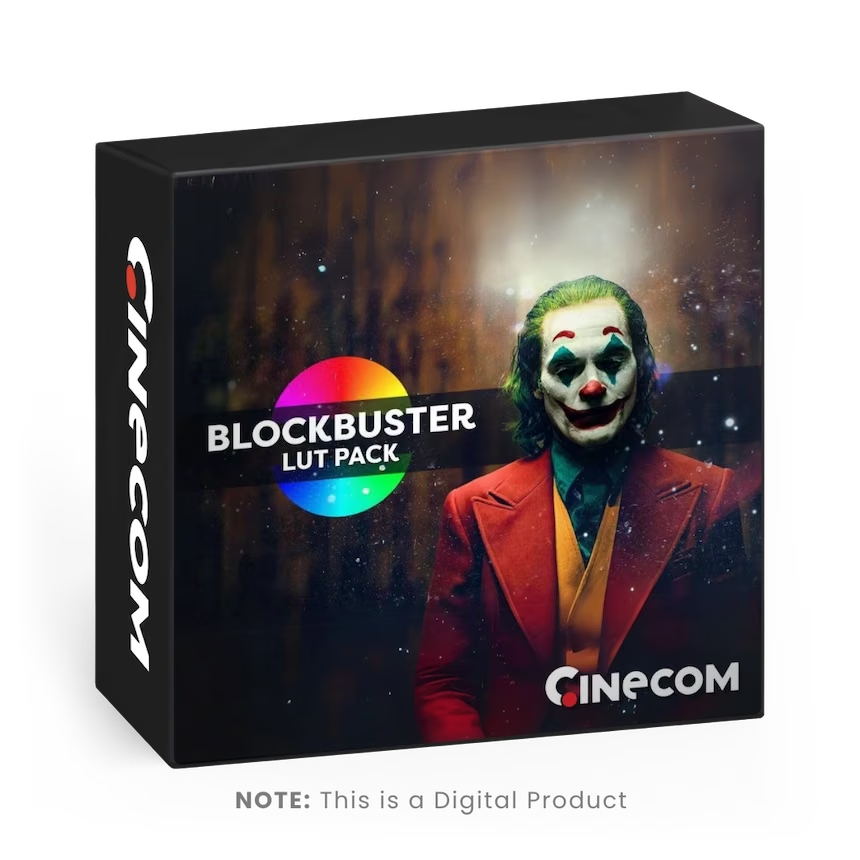
Ultimate Blockbuster LUT Pack
Get the color grading look of 20 famous series and blockbuster movies with this collection of premium LUT's for LOG and REC709 profiles.
Instantly get the look of your favourite movie or series with this ultimate collection of color grading looks. This pack offers 20 different looks which are created for both LOG and REC 709 color profiles. All the LUT's are carefully sampled from the real movies/series to get the most accurate look! This pack contains the look for the following shows:
What you'll learn:
- 1917
- Asteroid City
- Barbie
- Braking Bad
- Dune
- FURY
- Guardians Of The Galaxy Vol.3
- Joker
- No Country For Old Men
- Oppenheimer
- Peaky Blinders
- Shazam! Fury of the Gods
- Sin City
- Squid Game
- Star Wars (The Last Jedi)
- Stranger Things
- The Last Of Us
- The Walking Dead
- Wonka
How To Use
All LUT’s are .cube files which can be imported into any video/photo editing software. After applying the LUT you can increase the strength of the LUT to tweak the look.
Licenses - Personal License
- Use in personal projects
- Upload to social media
Pack Details
- Templates: 15
- Resolution: 3840 x 2160
- Compatible With: Adobe Premiere Pro CC
- Format: .MOGRT
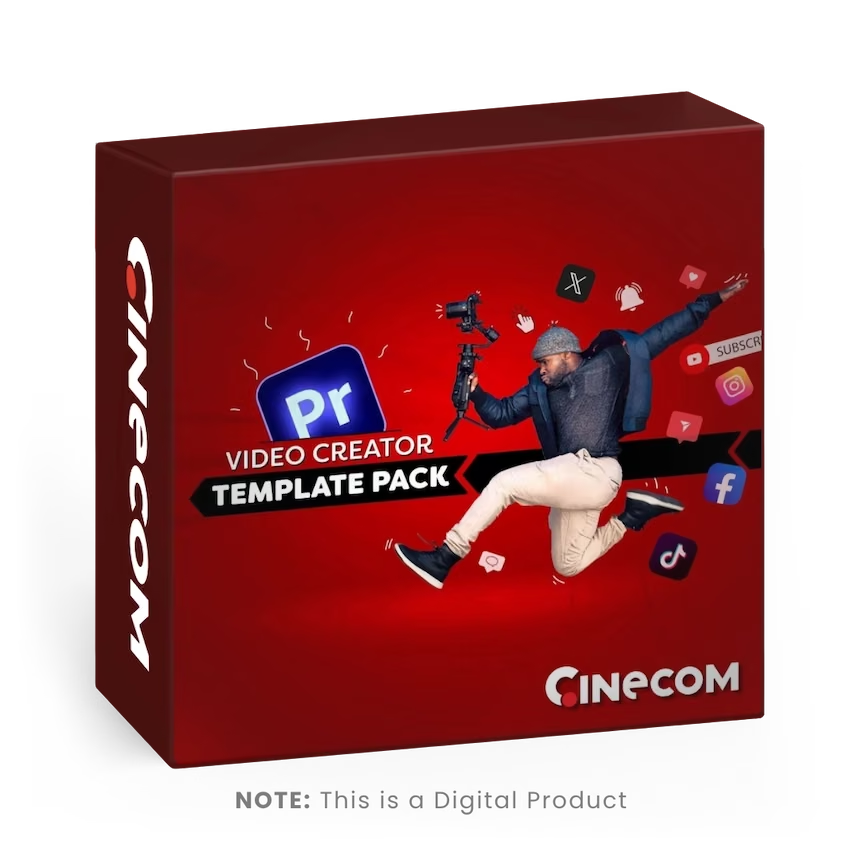
Video Creator Template Pack For Premiere Pro
15 customizable graphic animations for video content creators. In Adobe Premiere Pro, swap the template with your media, change the colors and chose an animation.
This pack contains 15 MOGRT templates for Adobe Premiere Pro. Each template comes with many options to customize the look to fit your creative style. Change colors, swap your media, chose a font and set your preferred animation. These are the only templates you'll ever need!
How To Use
MOGRT is a standard format to use and control advanced graphic animations. You cannot import these into Premiere Pro, instead you need to install them through the essential graphics window.
- Open Adobe Premiere Pro and locate the ‘Essential Graphics Window’
- On the bottom right in that window, click on the button ‘install motion graphics template’
- Browse to one of the video creator templates and open it
- Do this for every template
Licenses - Personal License
- Use in personal projects
- Upload to social media